
AI-Generated Logos for Branded Merchandise: What Australian Businesses Need to Know
Thinking of using an AI-generated logo on promotional products? Here's what Australian businesses and schools need to know before printing.

Written by
Stella Kwan
Branding & Customisation
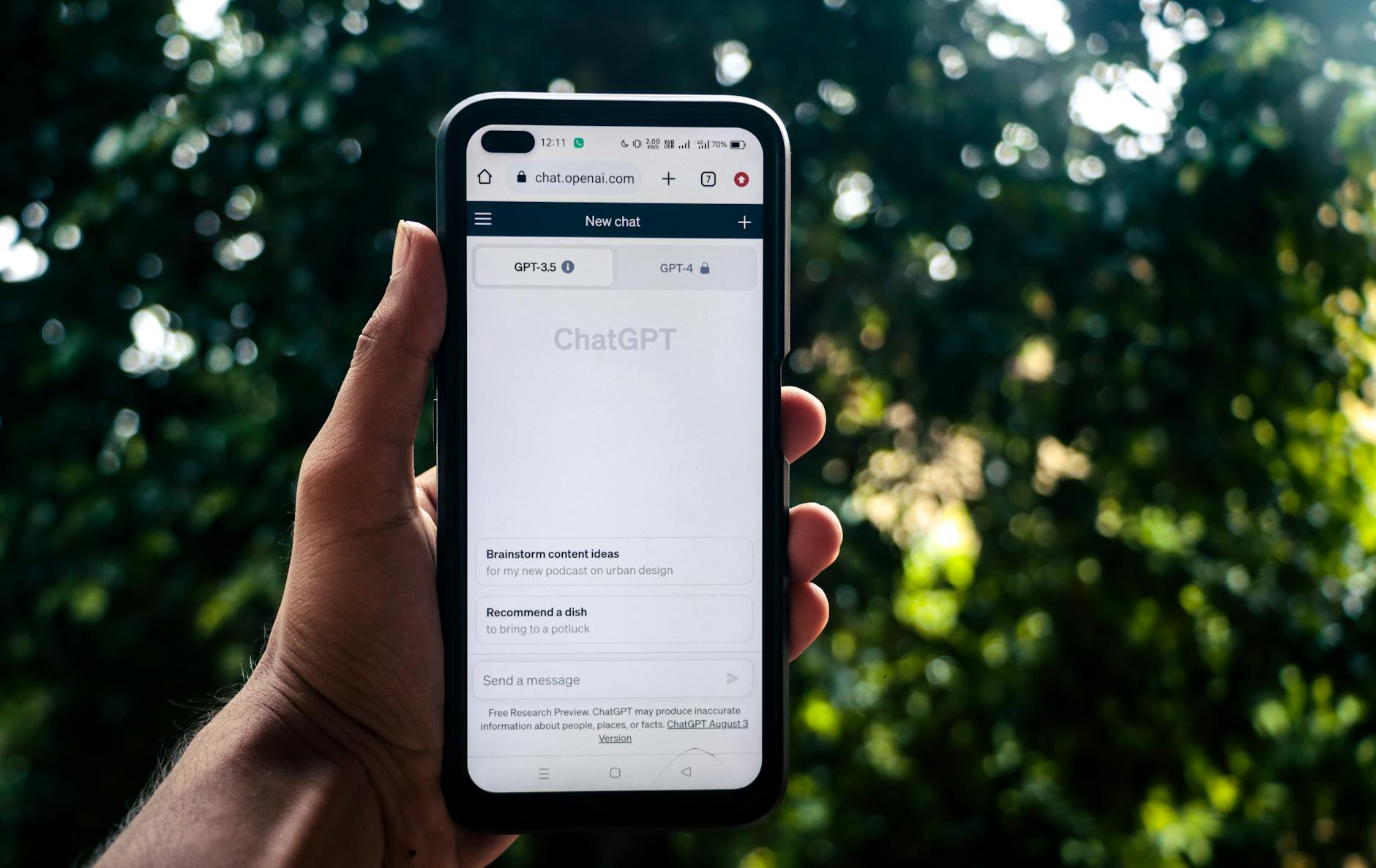
Using artificial intelligence to design a logo sounds like a brilliant shortcut — and in many ways, it genuinely can be. But when it comes to putting that AI-generated logo on physical promotional products, the conversation gets a lot more nuanced. Whether you’re a Sydney-based startup ordering your first batch of branded pens, a Melbourne school preparing for a sports carnival, or a Brisbane corporate team planning conference merchandise, understanding how AI-generated logos translate to physical products is essential before you place a single order. This guide walks through everything you need to know — from artwork requirements to decoration method compatibility — so you can make the most of your AI-created branding without costly surprises.
What Is an AI-Generated Logo and Why Is It So Popular?
AI-powered logo design tools have exploded in popularity over the past few years. Platforms that use machine learning to generate custom logos allow users — with or without design experience — to input a business name, select a style preference, and receive dozens of logo concepts within minutes. The appeal is obvious: speed, affordability, and accessibility.
For small businesses, community organisations, sporting clubs, and school P&Cs working with limited budgets, an AI-generated logo can feel like a lifesaver. Rather than paying a graphic designer several hundred dollars for a bespoke identity, you can have something workable in an afternoon.
And to be fair, some AI tools produce genuinely impressive results — clean typography, considered colour palettes, and scalable concepts that hold up well across digital platforms. The challenge, however, is what happens when that logo needs to be reproduced in the physical world.
The Key Artwork Requirements for Promotional Products
Here’s where many organisations run into trouble. Promotional product suppliers — whether they’re handling sublimation services for branded products in Brisbane or screen printing in Adelaide — require artwork files that meet strict technical specifications. An AI-generated logo that looks crisp on your phone screen may not meet those requirements without some additional work.
File Format: Vector vs Raster
The single most important concept to understand is the difference between vector and raster files.
- Raster files (JPG, PNG, GIF) are made up of pixels. They look fine at small sizes but become blurry or pixelated when scaled up. Most AI logo generators produce PNG files by default — which is fine for social media and websites, but often problematic for print.
- Vector files (AI, EPS, SVG, PDF) use mathematical paths rather than pixels, meaning they can be scaled to any size — from a small branded pen to a large pull-up banner — without any loss of quality.
If your AI logo tool only outputs raster formats, you’ll need a graphic designer to redraw the logo as a vector file before your supplier can use it. Many promotional product suppliers offer this as an artwork service for a small fee, so it’s worth asking.
Colour Modes and PMS Matching
Physical printing requires precise colour specifications. Your AI-generated logo may look like a particular shade of teal on your computer screen, but screens display colours using RGB (red, green, blue) values. Print processes — particularly screen printing and pad printing — work with CMYK or Pantone Matching System (PMS) colours.
PMS colours are standardised ink colours used across the printing industry to ensure consistent results. If you want your logo’s navy blue to look exactly the same on a branded water bottle as it does on a printed mug or a cotton tea towel, you’ll need to identify and supply the correct PMS codes.
Most AI logo platforms don’t automatically provide PMS references — so this is something you’ll need to either work out yourself or engage a designer to confirm.
Minimum Colour Counts and Complexity
Different decoration methods have different limitations when it comes to colour:
- Screen printing typically works best with solid, defined colours (one to six colours is common). Gradients, shadows, and complex blends are difficult or impossible to reproduce accurately.
- Embroidery translates logos into stitched thread, which means highly detailed or very fine elements in your AI-generated logo may not be achievable. Our wash resistance guide for printed and embroidered apparel is a great resource if you’re planning to embroider your logo onto workwear or uniforms.
- Sublimation allows for full-colour, photographic reproduction and is ideal for complex, multi-colour AI logos — but only on polyester or polymer-coated substrates.
- Laser engraving works beautifully for single-tone applications — think engraved logo on a metal drink bottle or a wooden USB drive.
- Pad printing suits simple, flat logos on small items like promotional keyrings or USB flash drives.
Understanding your decoration method before you finalise your AI logo design is genuinely worth doing — it can save you from having to rework the artwork later.
Practical Tips for Using an AI-Generated Logo on Promotional Products
Getting your AI-created branding onto merchandise doesn’t have to be complicated. Here are some practical steps to set yourself up for success.
1. Request Vector Output from Your AI Tool
Some AI logo platforms — particularly paid or premium tiers — offer vector file downloads (SVG or EPS). Always choose this option if available. It’s the single most valuable thing you can do to make your logo print-ready.
2. Simplify Your Design
The best promotional product logos are clean and bold. If your AI-generated logo includes fine gradients, intricate linework, or multiple complex elements, consider requesting a simplified version from your AI tool or having a designer create a “print-ready” variant. A simple version of your logo will actually reproduce better across a wider range of products — from reusable supermarket bags to work cooler bags.
3. Plan for a Range of Applications
Think about all the products you might want to brand over the next year or two. A logo that works on a cap might need to be adapted for a straw bag tote or a webcam cover. Having multiple logo lockups — horizontal, stacked, and icon-only versions — gives you flexibility across different product shapes and sizes.
4. Get a Physical Sample Before Bulk Ordering
This is non-negotiable. Always request a pre-production sample or digital proof before committing to a full run. Colours can shift between screen and print, and a sample gives you the chance to review your AI-generated logo in its physical form before you’ve spent your full budget. Many suppliers offer no minimum order options for sampling — our guide to promotional products with no minimum order explains how this typically works.
5. Budget for Artwork Adjustments
Build a small buffer into your project budget for artwork preparation. Depending on your AI logo’s complexity and output format, you may need to spend $50–$200 on artwork cleanup or vector conversion. Given the cost of a medium-to-large merchandise run, this is a worthwhile investment. For guidance on reasonable spending benchmarks, the promotional product spending per employee data is a useful reference point.
AI-Generated Logos for Schools and Organisations
Schools, sporting clubs, and not-for-profit organisations are increasingly turning to AI logo tools — often because they lack the resources for professional design. A Canberra primary school setting up a P&C, a Darwin community sports club rebranding, or an Adelaide charity planning a fundraising event might all reach for an AI tool as a first step.
This is absolutely fine, but it’s worth engaging your promotional supplier early in the process. A good supplier will review your AI logo and flag any technical issues before you’re locked into a product or decoration method. They can also advise on which product categories work best with your specific logo style — for example, whether your logo suits embroidery on caps or sublimation on summer promotional products.
For organisations that source merchandise through Northern Territory or regional suppliers, our guide to promotional product suppliers in the NT covers what to consider when ordering locally or nationally.
What About Copyright and Ownership?
This is an important question that’s still evolving legally. Many AI logo generators transfer ownership of the final design to the user upon generation — but some platforms retain rights, particularly on free tiers. Before you put an AI-generated logo on thousands of branded giveaways for an annual general meeting or a major corporate event, check the terms and conditions of the platform you used.
If your logo incorporates any training imagery, typefaces, or design elements from the AI’s dataset, there may be questions around originality and trademark registration. If you’re planning to trademark your logo or use it as a long-term brand identity, consulting an IP lawyer — and potentially having a designer create an original version based on the AI concept — is a prudent step.
Conclusion: Getting the Most from Your AI-Generated Logo on Merchandise
An AI-generated logo can be a fantastic starting point for branded merchandise — but it’s rarely the end of the road. The gap between a digital logo and a print-ready, merchandise-grade artwork file requires some attention, technical awareness, and occasionally a small professional investment.
The good news is that with the right preparation, your AI logo can look exceptional across a huge range of promotional products — from embroidered polos to engraved drinkware, from windscreen sunshades for driving schools to corporate reusable gifts. And you’ll have the brand consistency to prove it.
Key takeaways:
- Always try to obtain a vector file (SVG, EPS, or AI) from your AI logo platform — raster files like PNG are rarely sufficient for professional merchandise printing.
- Identify your PMS colour codes early to ensure consistent colour reproduction across all product types and decoration methods.
- Match your logo’s complexity to your chosen decoration method — embroidery and screen printing have limitations that sublimation and digital printing don’t.
- Always request a physical sample or digital proof before committing to a full merchandise run.
- Check the copyright terms of your AI logo platform before using the design commercially or applying for trademark protection.